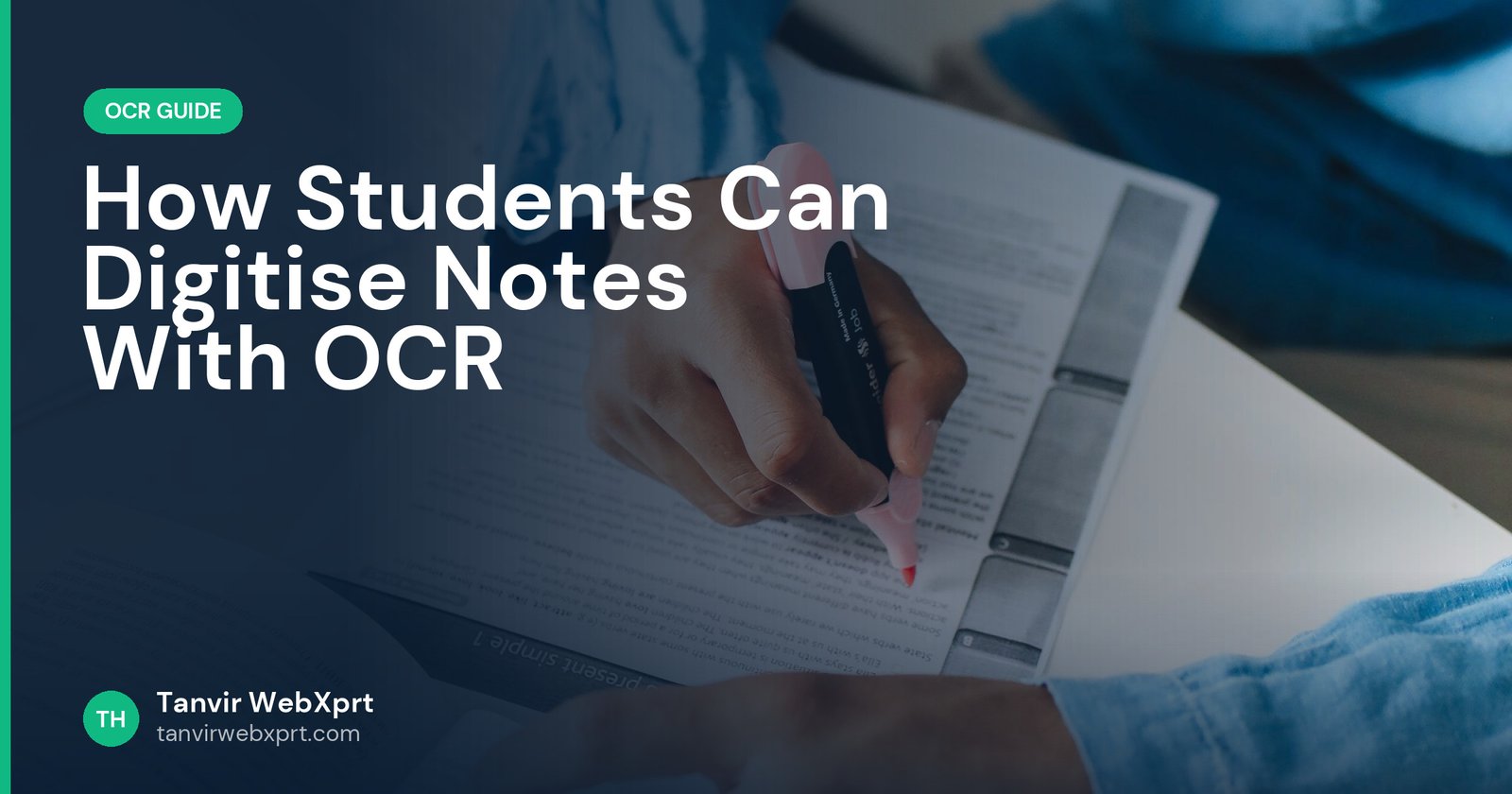
Students can use OCR to turn printed handouts, textbook pages, slides and board photos into searchable, editable notes: photograph or scan the page, extract the text with an image-to-text tool, then paste it into one organised notes file (Google Docs, Word, OneNote or Notion) where you can search, highlight and turn it into flashcards. It saves hours of copying by hand and makes revision faster, as long as you check the text, keep sources, and respect copyright by using it only for your own study.
- Digitise printed materials so you can search your notes in seconds.
- Photograph pages straight, crop them, then run OCR.
- Organise by subject and chapter in one notes app.
- Use the text to build summaries, flashcards and quizzes.
- Extract English text free with the Image to Text tool.
Three weeks before the exam
Picture an HSC student with a stack of photocopied handouts from three coaching centres, slides photographed from a projector, and a notebook of half-finished notes. She remembers reading about the causes of the 1857 rebellion somewhere, but cannot find which handout it was in.
She spends one evening photographing and converting the most important pages into a single searchable document per subject. Now a two-second search finds every mention. The rest of her time goes into actually studying.
The workflow
- CollectGather handouts, important textbook pages and photos of slides or the board.
- Photograph wellFlat pages, daylight, straight on. A scanner app helps (Notes on iPhone, Google Drive scan on Android).
- CropRemove margins and the desk with the Image Cropper.
- Extract the textRun English pages through the free Image to Text tool. For Bangla pages, use Google Lens or Drive.
- OrganisePaste into one document per subject with headings for each chapter.
- CheckSkim for OCR errors, especially formulas, dates and names.
- Study from itHighlight, summarise and turn key points into questions.
Turn notes into revision tools
Good habits
- Label sources: note the book, page or teacher for each section so you can check later.
- Back up: keep notes in the cloud so a lost phone does not mean lost notes.
- Do not overdo it: digitise what you will revise. Copying everything is just procrastination with extra steps.
- Respect copyright: digitised textbook pages are for your personal study, not for sharing or selling.
Using AI responsibly
AI tools can summarise and quiz you from your notes, but always check the output against the original, and follow your school’s rules. Our guide on using AI for assignments honestly explains where the lines usually are.
Related guides
Read 10 OCR accuracy tips, and if your lectures are recorded, turn them into text with the free video to text converter.
Sources
- Google Drive Help: Convert PDF and photo files to text
- Apple Support: How to scan documents on your iPhone or iPad
Frequently asked questions
How can I turn printed notes into digital text?
Photograph or scan the pages, extract the text with an OCR tool, then paste it into a notes app organised by subject and chapter.
What is the best app to organise digitised notes?
Any app you will actually use: Google Docs, Word, OneNote or Notion all support search and headings.
Can OCR read maths formulas?
Usually not well. Type formulas yourself or keep them as images inside your notes.
Is it legal to digitise textbook pages?
Copying pages for your own private study is generally treated differently from sharing or selling them. Do not distribute copyrighted material.
Can AI help me revise from my notes?
Yes, AI can summarise and create quiz questions from your notes, but check the output and follow your school’s rules.
Extract text from photos, screenshots and scans and download it as Word or text.
Guides for this tool
 Guide · 3 min readOCR Accuracy: 10 Tips to Get Clean Text from Photos and Scans
 Guide · 3 min readHow to Convert a Picture to Text on Phone and PC (Free OCR Guide)
 Guide · 3 min readHow to Copy Text From a Screenshot (Phone, PC and Online)
 Guide · 3 min readBangla OCR: How to Convert Bangla Text in Images to Editable Text
Want a tool, website or app like this for your business?
Every free tool on this site is designed and coded by Tanvir H, a Bangladesh-based WordPress and Elementor web designer with 7+ years of experience and 650+ projects for clients worldwide. Fast, mobile-first, search-optimised websites that turn visitors into customers.
- 650+ projects
- 7+ years
- 4.9★ rating
- Govt. registered freelancer