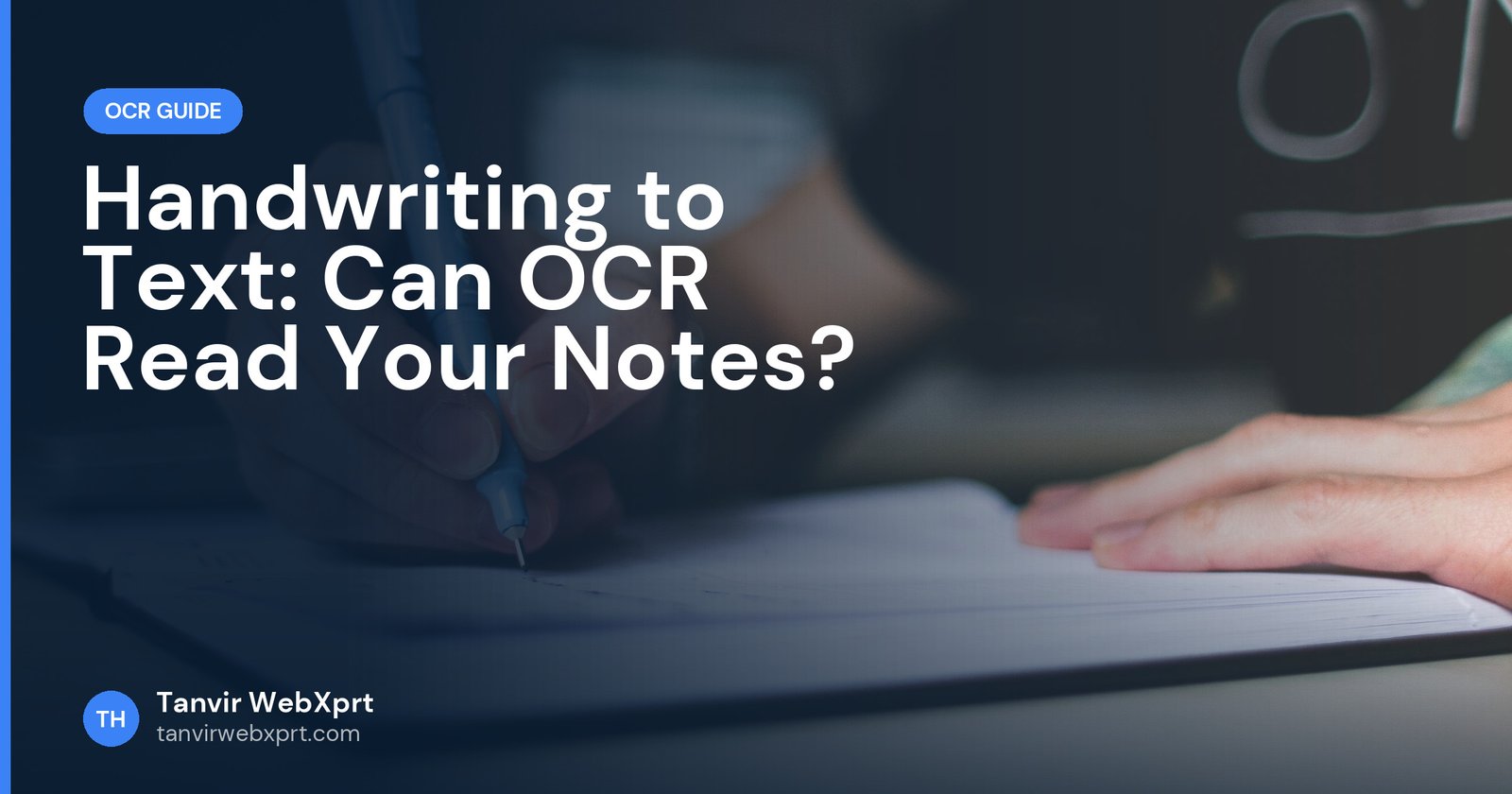
Standard OCR tools are built for printed text and struggle with handwriting, so results range from good (neat, separated capital letters) to unusable (fast joined-up writing). For the best free results, use Google Lens or Google Docs OCR, which use handwriting-trained models, photograph the page flat in good light, write or choose neat samples, and plan to correct the output. For printed text, a browser OCR tool such as ours works well; for handwriting, treat OCR as a typing shortcut, not a finished document.
- Handwriting recognition (sometimes called HTR or ICR) is harder than printed OCR.
- Neat print and dark ink on plain paper give the best results.
- Google Lens and Google Docs often read handwriting better than printed-text OCR engines.
- Expect to proofread, especially names, numbers and technical words.
- For printed pages, use the free Image to Text tool.
A notebook full of meeting notes
Picture a project coordinator who fills a paper notebook during every client meeting. At the end of the month, her manager asks for typed summaries. She tries a free OCR site on a page of her quick, joined-up notes and gets something that looks like a cat walked across a keyboard.
She tries again with Google Lens and a clear, flat photo, and gets maybe 80% right. The remaining fixes take a few minutes per page, far less than typing from scratch. The lesson: handwriting OCR can help a lot, as long as you know its limits.
What affects handwriting recognition
| Factor | Better results | Worse results |
|---|---|---|
| Writing style | Neat print, separated letters | Fast cursive, joined letters |
| Ink and paper | Dark pen on plain white paper | Light pencil, lined or coloured paper |
| Photo | Flat, sharp, even light | Curved pages, shadows, blur |
| Layout | Simple lines of text | Arrows, margins, doodles, tables |
| Language | Common words | Names, abbreviations, mixed languages |
How to convert handwriting to text
- Photograph wellLay the page flat, shoot straight down in daylight, avoid your shadow, and fill the frame with the page.
- Crop and straightenRemove the desk and margins with the Image Cropper.
- Try Google Lens firstOpen the photo in Google Photos or the Google app, tap Lens, then Text, select all and copy.
- Or use Google DocsUpload the image to Google Drive, open with Google Docs, and copy the recognised text.
- Proofread against the pageRead line by line with the original next to you.
Alternatives when OCR fails
- Dictate instead of typing: read your notes aloud into your phone’s voice typing. It is often faster than correcting bad OCR.
- Record meetings: with permission, record and transcribe them with the free video to text converter. See meeting minutes from a recording.
- Digital note-taking: tablets with styluses can convert handwriting as you write.
For printed text
If your pages are printed (forms, books, letters), browser OCR tools such as our Image to Text converter give clean results and download as Word or text. Read 10 OCR accuracy tips for the best results.
Sources
Frequently asked questions
Can OCR read handwriting?
Yes, but less reliably than printed text. Neat print works well; fast cursive often produces many errors.
What is the best free tool for handwriting to text?
Google Lens and Google Docs OCR usually handle handwriting better than tools built only for printed text.
How can I improve handwriting OCR results?
Write in neat print with dark ink, photograph the page flat in good light, crop it and proofread the result.
Is it faster to dictate or to OCR handwriting?
For messy handwriting, reading your notes aloud with voice typing is often faster than correcting OCR errors.
Does your Image to Text tool read handwriting?
It is designed for printed English text. For handwriting, try Google Lens or Google Docs.
Extract text from photos, screenshots and scans and download it as Word or text.
Guides for this tool
 Guide · 3 min readOCR Accuracy: 10 Tips to Get Clean Text from Photos and Scans
 Guide · 3 min readHow to Convert a Picture to Text on Phone and PC (Free OCR Guide)
 Guide · 3 min readHow to Copy Text From a Screenshot (Phone, PC and Online)
 Guide · 3 min readBangla OCR: How to Convert Bangla Text in Images to Editable Text
Want a tool, website or app like this for your business?
Every free tool on this site is designed and coded by Tanvir H, a Bangladesh-based WordPress and Elementor web designer with 7+ years of experience and 650+ projects for clients worldwide. Fast, mobile-first, search-optimised websites that turn visitors into customers.
- 650+ projects
- 7+ years
- 4.9★ rating
- Govt. registered freelancer