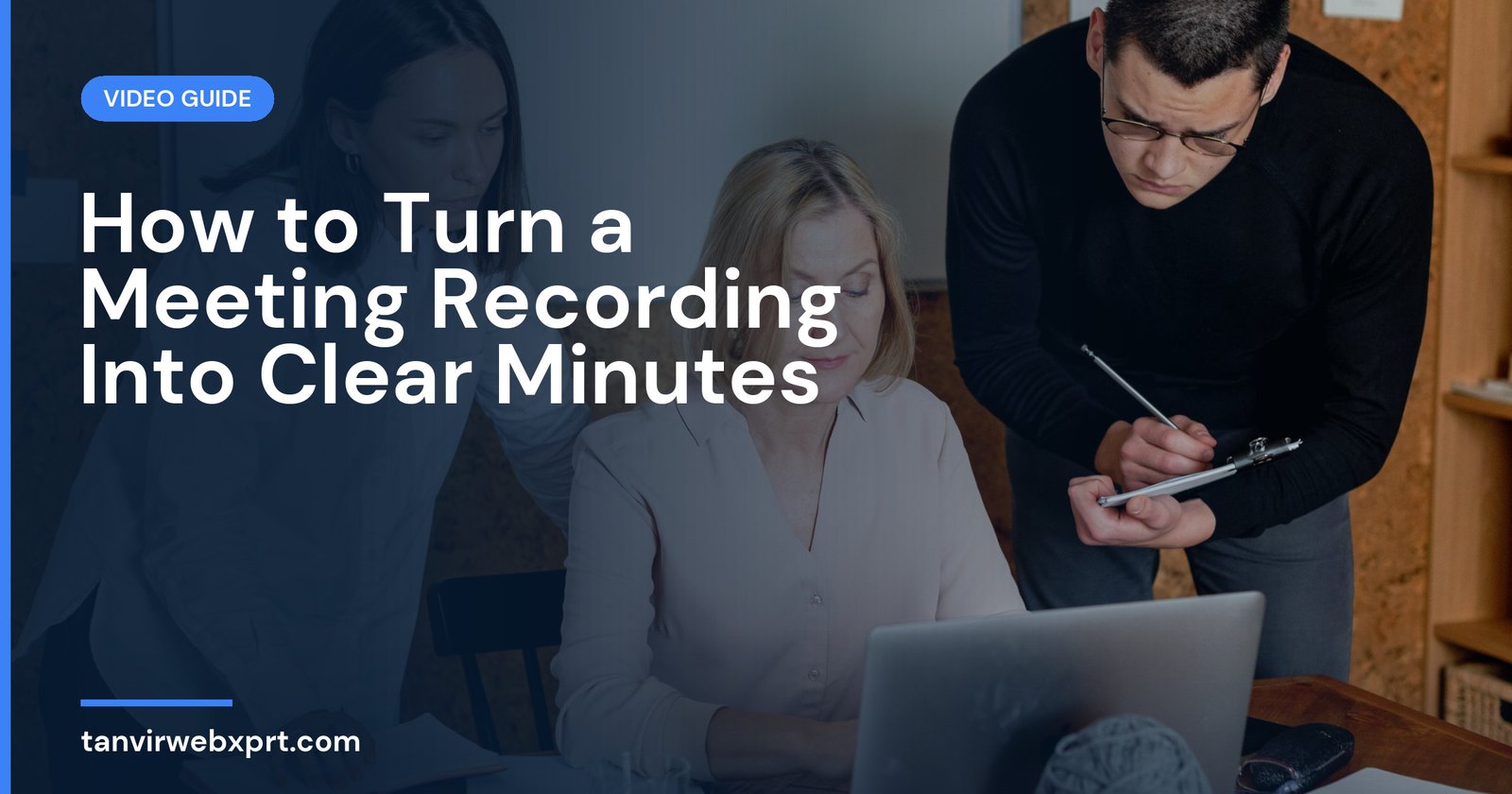
To turn a meeting recording into useful minutes, transcribe the recording, then pull out only what people need later: decisions, action items (who, what, by when), key points of discussion and open questions. Use a simple template, keep it to one page, and send it within 24 hours so people can correct anything while the meeting is fresh. Always tell participants the meeting is being recorded, and store recordings and transcripts according to your organisation’s rules.
- Minutes are a summary of decisions and actions, not a word-for-word transcript.
- Every action item needs an owner and a deadline.
- Send minutes within 24 hours.
- Get consent before recording and keep files secure.
- Create the transcript privately with the free Video to Text Converter.
“What did we decide last week?”
Picture a small agency’s Monday meeting. Five people talk for an hour about a client launch. Everyone leaves feeling productive. On Friday, the client asks why the landing page isn’t ready, and the team discovers that everyone thought someone else was doing it.
The meeting was fine. The follow-up wasn’t. A one-page summary with three action items and three names would have prevented the whole problem. With a recording and a transcript, writing that summary takes about fifteen minutes.
A simple meeting minutes template
| Section | What to write |
|---|---|
| Meeting details | Title, date, time, attendees, who took minutes |
| Purpose | One line on what the meeting was for |
| Decisions | Numbered list of what was agreed |
| Action items | Task, owner, deadline |
| Key discussion points | Short bullets with important context or reasons |
| Open questions | Things still to be decided, and who will follow up |
| Next meeting | Date, time and main topics |
From recording to minutes, step by step
- Announce the recordingAt the start, tell everyone the meeting is recorded and why.
- TranscribeRun the recording through the free Video to Text Converter. It works on your own device.
- Skim for decision wordsSearch the transcript for “we’ll”, “agreed”, “decided”, “by Friday”, “can you”, “I’ll”.
- List actions with owners and datesIf a deadline wasn’t stated, mark it “to confirm”.
- Summarise discussion brieflyTwo or three bullets per topic, focusing on reasons behind decisions.
- Note open questionsSo they don’t get lost.
- Send within 24 hoursAsk people to reply with corrections by a set time.
- Store safelyKeep the recording and transcript only as long as needed.
Example action item list
| Action | Owner | Due |
|---|---|---|
| Finish landing page design | Sajid | Wed 29 Oct |
| Write ad copy (3 versions) | Nusrat | Thu 30 Oct |
| Confirm launch date with client | Farhan | Tue 28 Oct |
Using AI to summarise (carefully)
AI chat tools can help summarise a long transcript into decisions and actions. Check every item against the transcript, especially names, numbers and deadlines, and remove anything sensitive before pasting text into online services. Never share confidential meetings with tools your organisation doesn’t approve.
Common mistakes
- Sending the full transcript instead of a summary.
- Action items with no owner or deadline.
- Waiting a week to send minutes.
- Recording without telling people.
- Keeping recordings forever without a reason.
Make your meetings count
Transcribe recordings privately with the free Video to Text Converter. For clearer recordings, read how to record clear audio, and for meetings in English, see English phrases for online meetings.
Sources
Frequently asked questions
What should meeting minutes include?
Meeting details, purpose, decisions, action items with owners and deadlines, key discussion points, open questions and the next meeting date.
How do I write minutes from a recording?
Transcribe the recording, search for decisions and commitments, list action items with owners and dates, summarise discussion briefly and send within 24 hours.
Should meeting minutes be a full transcript?
No. Minutes summarise decisions and actions. A full transcript can be kept separately if needed.
Do I need permission to record a meeting?
Yes, tell participants that the meeting is being recorded and why, and follow your organisation’s rules and local laws.
Turn video and audio into text privately on your own device. No upload, no sign-up, files up to 1 GB.
Guides for this tool
 Guide · 3 min readHow to Transcribe a Video to Text for Free (Private, Step by Step)
 Guide · 3 min readHow to Turn Your Videos into Blog Posts with Transcripts (SEO Guide)
 Guide · 3 min readHow to Add Accurate Subtitles to YouTube Videos (Using a Transcript)
 Guide · 3 min readSRT vs VTT: Subtitle File Formats Explained (With Examples)
Want a tool, website or app like this for your business?
Every free tool on this site is designed and coded by Tanvir H, a Bangladesh-based WordPress and Elementor web designer with 7+ years of experience and 650+ projects for clients worldwide. Fast, mobile-first, search-optimised websites that turn visitors into customers.
- 650+ projects
- 7+ years
- 4.9★ rating
- Govt. registered freelancer