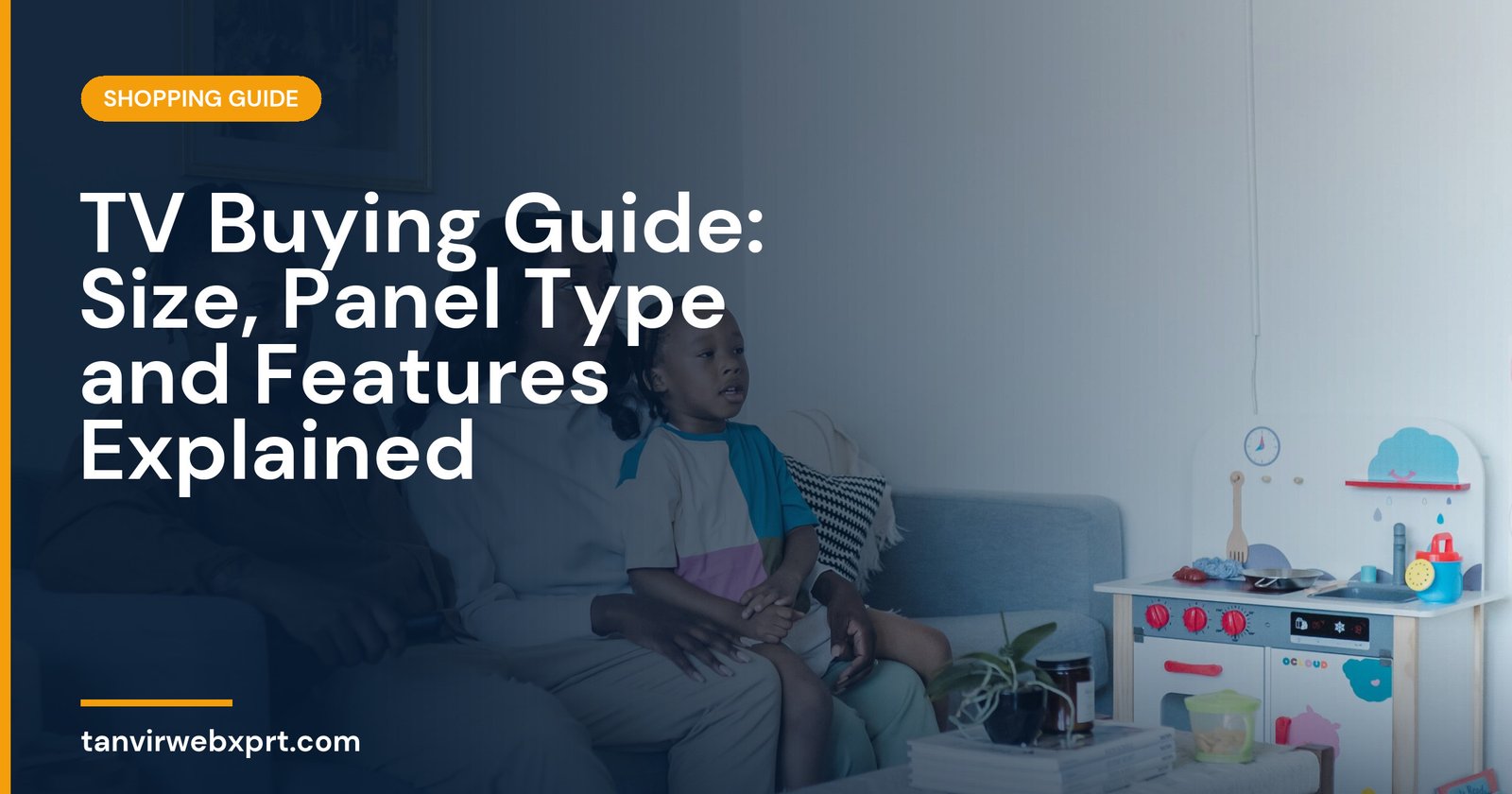
To choose a TV, start with screen size for your room, then pick the panel type for your viewing habits, then check smart features, ports and warranty. For a 4K TV, a common guide is to sit about 1 to 1.5 times the screen’s diagonal away, so a 55-inch TV suits roughly 1.4 to 2.1 metres. 4K resolution is standard now. Picture quality depends more on the panel (LED, QLED, Mini-LED or OLED), brightness and contrast than on extra resolution, and if you game, look for 120 Hz and HDMI 2.1.
- Measure your viewing distance before choosing a size.
- Panel quality matters more than labels like “8K” or “AI picture”.
- OLED for dark rooms and deep blacks, bright QLED or Mini-LED for sunny rooms.
- Built-in speakers are often weak. Budget for a soundbar if sound matters.
- Compare TV prices across shops with the free Smart Shopping Engine.
The TV that was too big (and too small)
Imagine a family that buys a huge 75-inch TV for a small bedroom. They sit two metres away and spend every movie turning their heads from side to side. Next door, their neighbours buy a 43-inch TV for a large living room, and from the sofa the picture looks like a postcard on the wall.
Both families bought good TVs. Both chose the wrong size for the room. A tape measure would have solved it in two minutes.
Step 1: Choose the right size
| Screen size | Approximate 4K viewing distance | Typical room |
|---|---|---|
| 43 inch | 1.1 to 1.6 m | Bedroom, small room |
| 50 inch | 1.3 to 1.9 m | Bedroom, small living room |
| 55 inch | 1.4 to 2.1 m | Average living room |
| 65 inch | 1.7 to 2.5 m | Larger living room |
| 75 inch | 1.9 to 2.9 m | Big living room, home theatre |
Step 2: Understand panel types
Step 3: Check the features that matter
- Resolution: 4K is the standard for 50 inches and above. 8K content is still rare.
- HDR: support for HDR10, and ideally Dolby Vision or HDR10+, but brightness decides how good HDR really looks.
- Refresh rate: 120 Hz panels with HDMI 2.1 for PS5, Xbox or PC gaming. 60 Hz is fine for TV and films.
- Smart platform: Google TV, Tizen, webOS and others. Make sure your favourite apps are available.
- Ports: enough HDMI ports for your devices, with eARC for a soundbar.
- Sound: thin TVs often have weak speakers. A soundbar makes a big difference.
Step 4: Buy smart
- Set your budget and sizeInclude a wall mount or stand, delivery and a soundbar if needed.
- Shortlist three modelsRead reviews that measure brightness and contrast, not just spec sheets.
- See them in person if possibleShops often use vivid demo modes, so look at normal content.
- Compare prices and warrantyPrefer official warranty and check panel warranty terms.
- Check installation and powerAsk about wall mounting, and consider surge protection where power fluctuates.
- Inspect on deliveryCheck for cracks and dead pixels before the installer leaves.
Common TV buying mistakes
- Buying by resolution label instead of panel quality.
- Choosing a glossy OLED for a room with strong sunlight on the screen.
- Forgetting that the TV stand or wall space limits the size.
- Paying extra for gaming features you won’t use, or missing them if you will.
- Ignoring sound until after the purchase.
Find the best price
Once you’ve picked a model, compare prices with the free Smart Shopping Engine, check the best time to buy electronics, and make sure any sale is a real discount.
Sources
Frequently asked questions
What size TV should I buy?
For a 4K TV, a common guide is to sit about 1 to 1.5 times the screen diagonal away. A 55-inch TV suits roughly 1.4 to 2.1 metres.
Is OLED better than QLED?
OLED gives perfect blacks and contrast, ideal for darker rooms. QLED and Mini-LED TVs get brighter, which helps in sunny rooms. The best choice depends on your room and budget.
Do I need a 120 Hz TV?
Only if you play games on a PS5, Xbox Series X or PC and want smoother motion. For TV and films, 60 Hz is fine.
Is an 8K TV worth it?
For most people, not yet. There is little 8K content, and a good 4K TV with a better panel usually looks better for the same money.
Compare prices and reviews across major stores in 190+ countries from one simple search.
Guides for this tool
 Guide · 4 min readSmartphone Buying Guide: The Specs That Actually Matter
 Guide · 3 min readLaptop Buying Guide: The Specs That Actually Matter
 Guide · 3 min readHow to Compare Prices Online and Always Find the Best Deal
 Guide · 4 min readHow to Shop Safely Online in Bangladesh: Avoid Scams and Know Your Rights
Want a tool, website or app like this for your business?
Every free tool on this site is designed and coded by Tanvir H, a Bangladesh-based WordPress and Elementor web designer with 7+ years of experience and 650+ projects for clients worldwide. Fast, mobile-first, search-optimised websites that turn visitors into customers.
- 650+ projects
- 7+ years
- 4.9★ rating
- Govt. registered freelancer