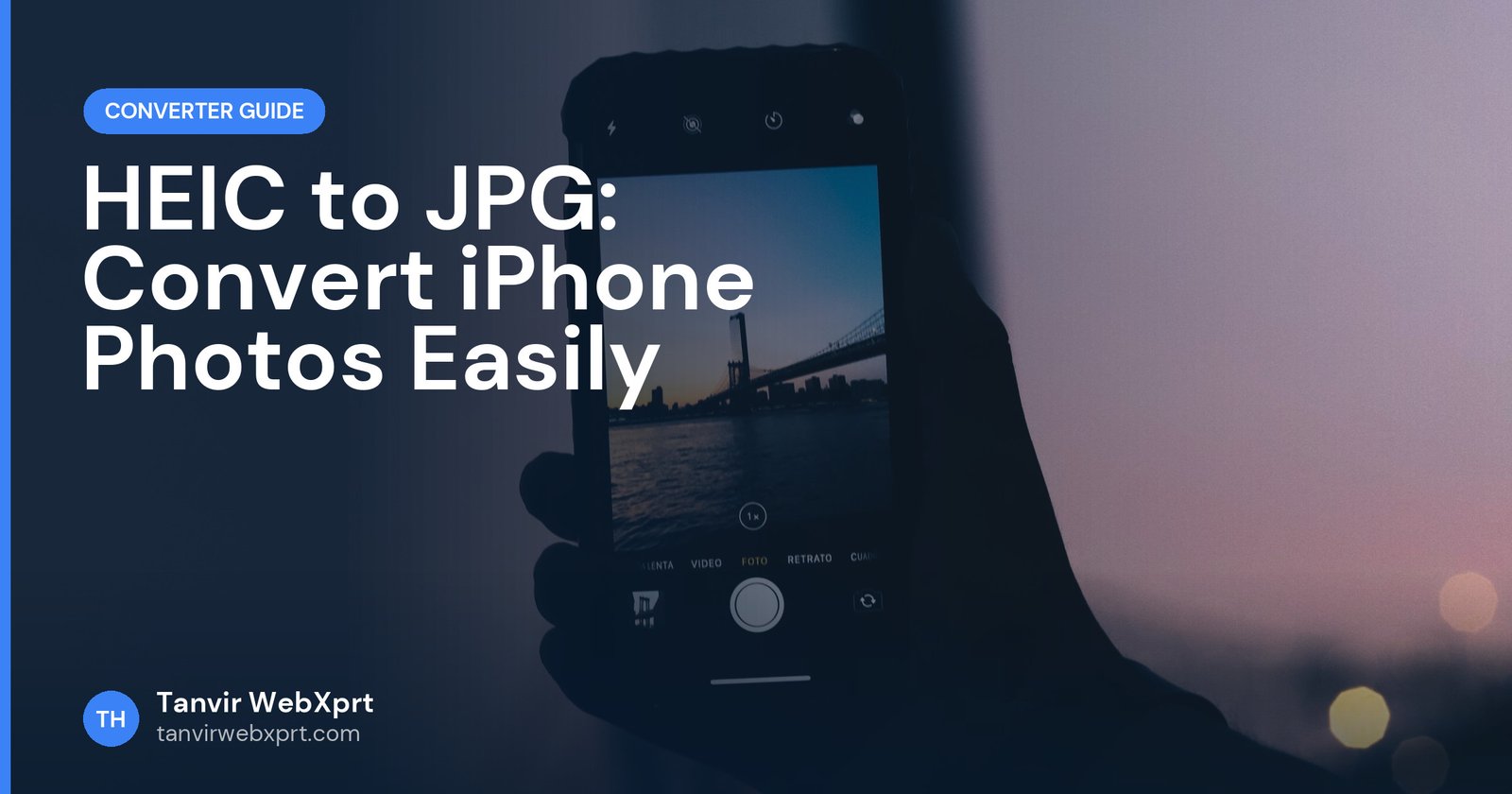
HEIC is the space-saving photo format iPhones use by default. To get JPG photos instead, go to Settings, Camera, Formats and choose “Most Compatible” for future photos, and set Settings, Photos, Transfer to Mac or PC to “Automatic” so photos copied to a computer arrive as JPG. For photos you already have, you can share them in a way that converts automatically, open them on a Mac and export as JPG, install Microsoft’s HEIF extension on Windows, or convert them in a browser that can read HEIC (such as Safari on iPhone and Mac) with an online converter.
- HEIC files are roughly half the size of JPG at similar quality, but not every device or website accepts them.
- “Most Compatible” makes your iPhone save new photos as JPG.
- Many sharing methods convert HEIC to JPG automatically.
- Windows can open HEIC with Microsoft’s HEIF Image Extensions.
- Once open in a supported browser, convert to JPG, PNG or WebP with the free Image Converter.
“The file type is not supported”
Picture a student applying for a scholarship. She takes a photo of her certificate with her iPhone, emails it to herself, downloads it on the cyber cafe computer and tries to upload it to the application portal. Error: only JPG and PNG allowed. The file ends in .HEIC, and the Windows computer cannot even preview it.
Nothing is wrong with the photo. It is just saved in a format many portals and older computers do not understand yet. Here are the quickest ways around it.
What is HEIC?
HEIC (High Efficiency Image Container, based on the HEIF standard) stores photos with more efficient compression than JPG. Apple adopted it on iPhones from iOS 11. You get similar quality in roughly half the storage, which is why it is the default. The downside is compatibility: many websites, government and job portals, older Windows PCs and some Android apps still expect JPG or PNG.
Fix 1: Save new photos as JPG
- Open SettingsOn your iPhone, open Settings.
- Go to Camera, then FormatsYou will see High Efficiency and Most Compatible.
- Choose Most CompatibleNew photos are saved as JPG (videos as H.264). They use more storage.
Fix 2: Let the iPhone convert when transferring
Go to Settings, Photos, Transfer to Mac or PC and choose Automatic. When you copy photos to a computer by cable, the iPhone converts them to a compatible format. Many share options (for example sharing to some apps, or emailing a photo) also convert to JPG automatically.
Fix 3: Convert photos you already have
| Device | Method |
|---|---|
| iPhone | In the Files app, long-press a photo you saved there and use Quick Actions, Convert Image (on recent iOS versions), or open it in Safari and use an online converter |
| Mac | Open in Preview, File, Export, choose JPEG |
| Windows 10 and 11 | Install HEIF Image Extensions from the Microsoft Store, open in Photos, Save as JPG |
| Android | Recent Android versions and Google Photos can open HEIC; download or share as JPG from there |
| Browser | If your browser can display the HEIC file (Safari can), load it in the Image Converter and export JPG |
JPG, PNG or WebP after converting?
- JPG for forms, portals, email and printing photos.
- PNG for screenshots and images with text where sharp edges matter.
- WebP for your own website. See JPG vs PNG vs WebP.
After converting, check the file size. Portals often have limits like 100 KB or 300 KB. Shrink the photo with the Image Compressor and crop it with the image cropper. For forms specifically, read how to resize and crop a photo for online applications.
Should you switch off HEIC permanently?
If you often upload photos to websites, forms or Windows PCs, Most Compatible saves a lot of hassle. If storage space matters more and you mainly share within Apple devices, keep High Efficiency and convert only when needed.
Sources
Frequently asked questions
How do I stop my iPhone from saving photos as HEIC?
Go to Settings, Camera, Formats and choose Most Compatible. New photos will be saved as JPG.
How do I open HEIC files on Windows?
Install HEIF Image Extensions from the Microsoft Store, then open the photo in the Photos app and save it as JPG.
Is HEIC better than JPG?
HEIC stores similar quality in roughly half the space, but JPG works almost everywhere. Use JPG when uploading to forms and websites.
Why does an online converter fail with my HEIC file?
Browser-based converters rely on the browser to read the file. Safari can read HEIC, but many other browsers cannot yet.
Does converting HEIC to JPG reduce quality?
Slightly, because JPG is lossy, but at a high quality setting the difference is very hard to see.
Convert any image to JPG, PNG, WebP or BMP in seconds, privately in your browser.
Guides for this tool

Want a tool, website or app like this for your business?
Every free tool on this site is designed and coded by Tanvir H, a Bangladesh-based WordPress and Elementor web designer with 7+ years of experience and 650+ projects for clients worldwide. Fast, mobile-first, search-optimised websites that turn visitors into customers.
- 650+ projects
- 7+ years
- 4.9★ rating
- Govt. registered freelancer