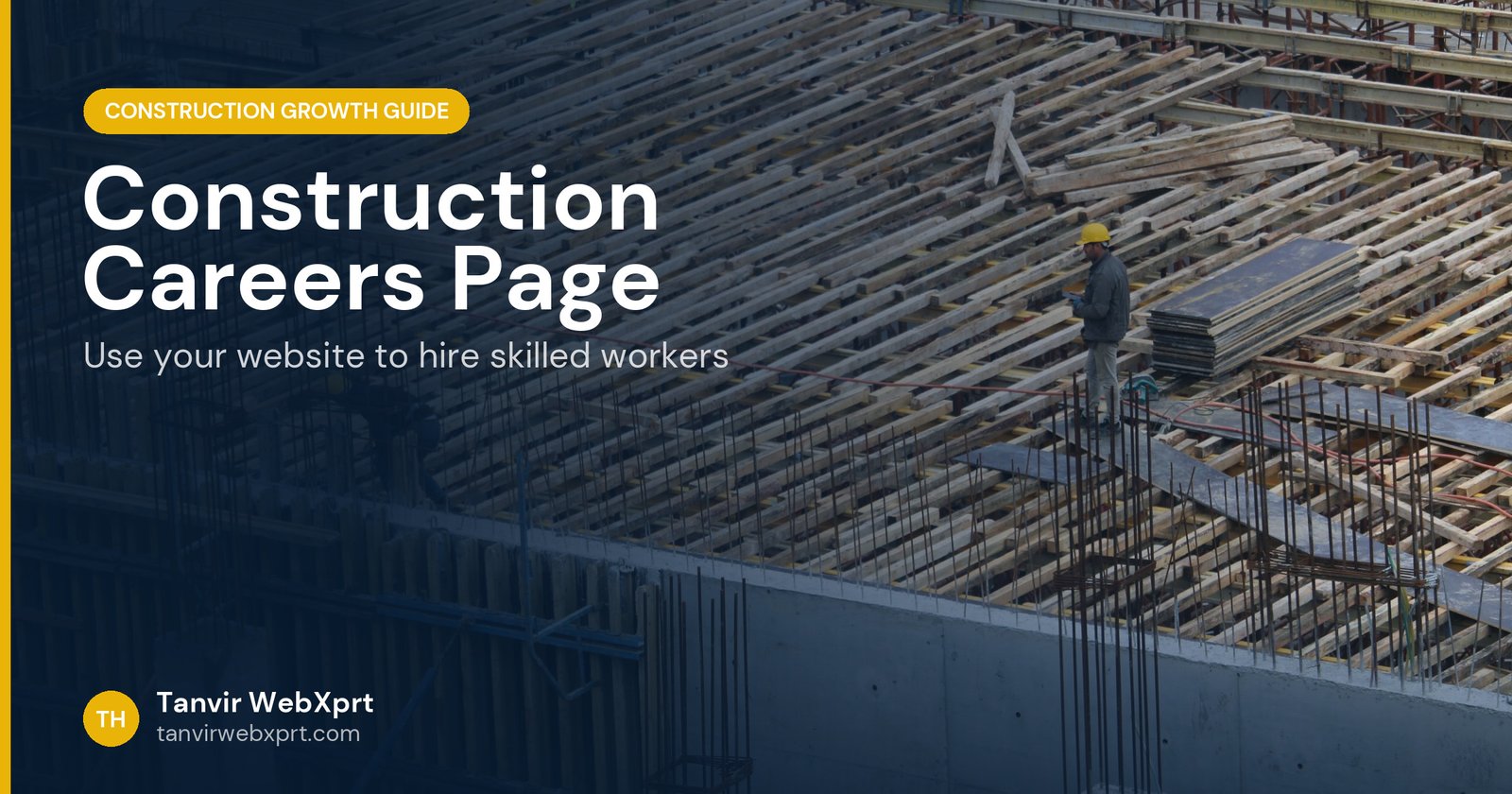
A construction careers page helps you hire when it answers what skilled workers actually ask before applying: How much does it pay? What are the hours and benefits? Is the company safe? Will I get training and a path to promotion? Who will I work with? Then it makes applying take two minutes on a phone. With most contractors struggling to fill positions, the company that explains itself best often gets the best applicants.
- 92% of construction firms reported difficulty hiring in the 2025 AGC and NCCER Workforce Survey.
- Pay ranges, benefits, safety and training are the first things workers look for.
- Real crew photos and quotes beat stock images of smiling models.
- Short mobile applications get more completed applications.
- JobPosting structured data can help openings appear in Google’s job search experience.
Why does a construction company need a careers page now?
The 2025 Workforce Survey by the Associated General Contractors of America and NCCER, answered by nearly 1,400 firms, found that 92% of construction companies were having difficulty hiring. More than half said applicants lacked the necessary skills or licenses, and superintendents were among the hardest salaried roles to fill.
Picture an experienced electrician deciding between two contractors. One has a Facebook post that says “Now hiring, call Steve.” The other has a careers page that lists the pay range, shows the crew at work, explains the apprenticeship and safety training, mentions the company truck policy and lets him apply in two minutes. He applies to the second one first.
What do skilled workers want to see on a careers page?
How should a construction job post be written?
- Clear title“Journeyman Electrician” not “Electrical Rockstar”.
- Location and scheduleCity or region, typical hours, travel.
- Pay rangeMany workers skip posts without one, and some places require it by law.
- What you will doFive or six plain bullet points.
- RequirementsLicenses, experience, driving, tools.
- What we offerBenefits, training, equipment, career path.
- How to applyA short form and a phone number to call or text.
How do you show safety culture to job seekers?
Workers know which companies cut corners. Describe your safety programme in plain words: safety meetings, PPE you provide, site supervision, and training. If you support OSHA Outreach training, say so. OSHA describes its 10-hour class as awareness training for workers and its 30-hour class as more suitable for supervisors or workers with safety responsibility. Show photos of crews using proper equipment. Read more in trust signals for construction websites.
How easy should applying be?
| Step | Ask for |
|---|---|
| First step (required) | Name, phone, trade or role, years of experience, city |
| Optional | Resume upload, certifications, availability |
| Later (interview) | References, full history, documents |
A ten-page application form on a phone loses good people. Collect the basics first and call them.
Can your job openings appear in Google search?
Yes. Google can display job postings in its job search experience when your job pages include JobPosting structured data that follows Google’s guidelines, and when the posting is current. Remove or mark expired jobs promptly. A WordPress careers setup can generate this markup automatically for each opening.
How should the careers page connect with the rest of the website?
- Add “Careers” to the main menu and footer.
- Link job posts to relevant projects in your portfolio.
- Mention hiring in project case studies (“our crew of 24 completed…”).
- Share openings on LinkedIn and Facebook with links back to the job page.
How do you measure recruiting from your website?
Track applications by source and role, time to first reply, interviews, hires and how long new hires stay. Reply to every applicant within a day or two; good tradespeople have options. Tanvir WebXprt builds construction careers pages with job listings you can manage yourself, mobile application forms, job structured data and tracking. Book a free call or read the construction website design guide.
Sources
- AGC and NCCER: 2025 Workforce Survey
- OSHA: Outreach Training Program (10-hour and 30-hour cards)
- Google Search Central: Job posting structured data
Frequently asked questions
Why does a construction company need a careers page?
Skilled workers check a company before applying, just like clients do. A careers page shows pay ranges, benefits, safety culture, training and real people, and makes applying easy on a phone. With most contractors struggling to hire, it is a competitive advantage.
What should a construction job post include?
Job title in plain words, location, pay range, schedule, benefits, required skills and licenses, training offered, safety commitment, who the person reports to, and a short mobile-friendly application.
Should construction job applications be mobile friendly?
Yes. Many tradespeople search and apply from their phones. Keep the first step short, such as name, phone, trade and experience, and allow a resume upload as optional.
Can job posts on my website appear in Google?
Yes. Google can show job postings in search when the page uses JobPosting structured data that follows Google’s guidelines and the job is current.
How do I show safety culture to job seekers?
Describe training such as OSHA Outreach classes where you offer them, safety meetings, PPE provided, and how you recognise safe work, with photos of crews using proper equipment.
Tanvir WebXprt builds professional WordPress websites for general contractors, builders and remodelers: project portfolios with case studies, capability and safety pages for bid teams, careers pages that attract crews, and the local SEO and ads that bring steady enquiries.
More guides for construction company owners
 Guide · 4 min readConstruction Company Branding: Logo, Trucks, Site Signs and Website That Look Like One Company
 Guide · 4 min readRemodeling Contractor and Home Builder Websites: What Homeowners Look For
 Guide · 4 min readSEO for Construction Companies: A Practical Guide to Ranking on Google
 Guide · 5 min readConstruction Company Website Design: The Complete Guide for Owners
Want a tool, website or app like this for your business?
Every free tool on this site is designed and coded by Tanvir H, a Bangladesh-based WordPress and Elementor web designer with 7+ years of experience and 650+ projects for clients worldwide. Fast, mobile-first, search-optimised websites that turn visitors into customers.
- 650+ projects
- 7+ years
- 4.9★ rating
- Govt. registered freelancer