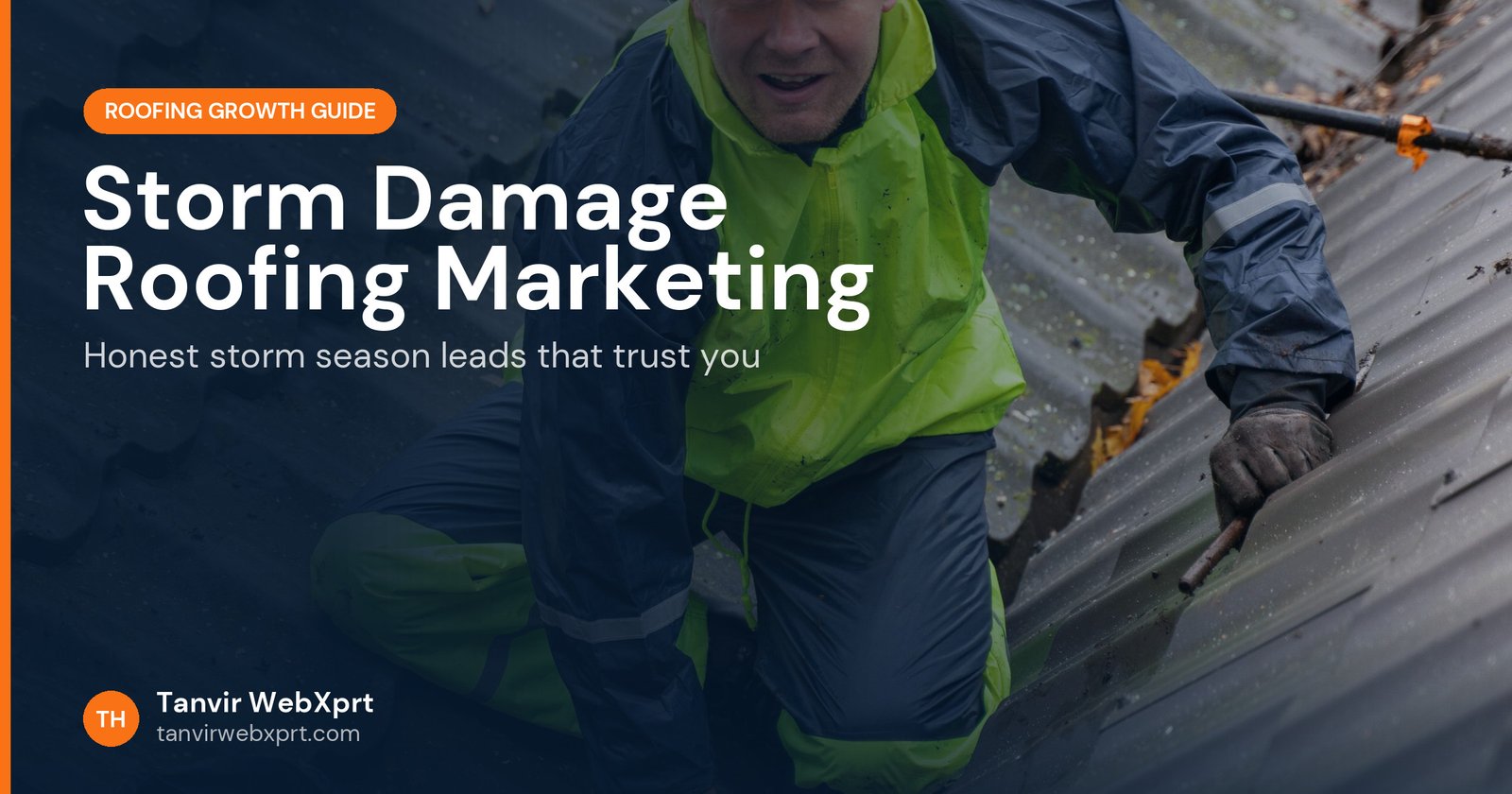
The roofers who win storm season are the ones who prepared before the storm: a clear storm damage page on their website, honest information about inspections and insurance, visible local proof (license, insurance, years in the area, local reviews), a complete Google Business Profile, ad campaigns ready to switch on, and a fast response system for the flood of calls. Homeowners are warned about storm chasers, so trust, not volume, decides who gets the job.
- Build your storm pages and ads in the quiet months, not the morning after a hailstorm.
- Lead with local proof: years in the area, license, insurance, reviews from neighbours.
- Explain your inspection and documentation process step by step.
- Describe your role in insurance claims accurately and within local law.
- Speed of response matters most in the first days after a storm.
Why is storm season marketing different from normal roofing marketing?
After a big storm, demand jumps overnight, competitors from out of town arrive, and homeowners are stressed. The US Federal Trade Commission has long warned that after a disaster, demand for qualified contractors usually exceeds supply, and that home repair rip-off artists may overcharge, do shoddy work or leave without finishing. Homeowners hear those warnings. Your marketing has to answer one question fast: “Are you a real local company I can trust?”
Picture two door hangers on the same street the morning after hail. One says “FREE ROOF! Insurance pays!” with a mobile number. The other shows a company name with a link to a website that lists twelve years in the town, a license number, forty local reviews and a calm explanation of how inspections work. Homeowners who look both up online know immediately whom to call.
What should a storm damage page on a roofing website include?
- Signs of damageMissing or creased shingles, granules in gutters, dented vents, leaks and water stains. Remind people not to climb on the roof.
- Your inspection processHow long it takes, what you check, and that you take dated photos of everything.
- What happens nextTemporary protection like tarping, the written estimate, and the timeline for repairs.
- Insurance, honestlyWhat you provide (inspection, photos, estimate) and what the homeowner and insurer handle.
- Local proofLicense, insurance, warranties, local projects and reviews from storm jobs.
- BookingA short storm inspection form and a large call button.
How do you show you are not a storm chaser?
How should your Google Business Profile change after a storm?
- Post an update explaining how to request an inspection and what to expect.
- Check that your hours are accurate; add extended hours if you will answer calls.
- Upload new photos of storm jobs as you complete them.
- Reply quickly to every message and review. Responsiveness shows.
Set up details in Google Business Profile for roofers.
Should you run storm ads, and how?
If you have crew capacity, yes. Prepare campaigns in advance: a storm inspection landing page, ad copy that mentions local proof, and location targets for the towns you serve. After a storm, switch them on for the affected areas only. Local Services Ads can also bring calls quickly if you are already approved. Compare options in Google Ads vs Local Services Ads for roofers.
How do you handle the flood of calls?
Imagine 60 calls in two days. Without a system, half go to voicemail and many never hear back. Prepare a simple process: a booking form that collects address, damage description and photos; an automatic text reply confirming the request and expected wait; a shared calendar for inspections; and one person responsible for callbacks. A website form that sends to the office phone and your CRM instantly is worth more than any ad in storm week. See roofing website conversion tips.
What should you publish after storm season?
Turn the work into proof. Add finished storm projects to your gallery and town pages, ask every storm customer for a review, and write a short article about what you saw this season. That content keeps working until the next storm and helps search engines and AI assistants understand that you are the local storm damage expert. Read how to build town pages and how to get more reviews.
Tanvir WebXprt can build storm damage pages, inspection booking forms and storm ad landing pages for your roofing company. Book a free call before the next season starts.
Sources
- FTC: After a Disaster: Repairing Your Home (consumer alert)
- Google: Getting started with Local Services Ads
- Google: Guidelines for representing your business
Frequently asked questions
How do roofers get storm damage leads?
Prepare before the storm: a storm damage page on your website, a complete Google Business Profile, reviews, and ready-to-launch ads for affected areas. After a storm, update your profile and site with clear inspection booking and respond fast.
What should a storm damage roofing page include?
What storm damage looks like, safe things homeowners can check from the ground, your inspection process, how you document damage with photos, what you can and cannot do regarding insurance, your license and insurance details, local reviews and a booking form.
Can a roofer help with an insurance claim?
Roofers can inspect, document damage and provide estimates. Rules on what contractors may do in the claim itself vary by state and country, and some places restrict contractors from negotiating claims. Check your local law and describe only what you are allowed to do.
How do I avoid looking like a storm chaser?
Show your local address history, years in the area, license, insurance, real local projects and reviews, never pressure people to sign on the spot, and explain your process clearly. The FTC warns homeowners about home repair rip-offs after disasters, so proof of local stability matters.
Should I run ads after a hailstorm?
If you have crew capacity, targeted search ads and Local Services Ads in affected areas can bring urgent leads. Make sure your landing page talks about storm inspections and that someone can answer calls quickly.
Tanvir WebXprt builds fast, mobile-first WordPress websites for roofing contractors: service and town pages that rank, storm and insurance pages, review and photo galleries, click-to-call everywhere and an instant estimate form. Plus local SEO, Google Business Profile setup and ad landing pages.
More guides for roofing company owners
 Guide · 5 min readLocal SEO for Roofers: How to Rank in Google Maps and Local Search
 Guide · 6 min readHow to Get More Roofing Leads Online Without Buying Shared Leads
 Guide · 5 min readAI Search for Roofers: How to Get Recommended by ChatGPT and Google AI
 Guide · 5 min readRoofing Website Speed and Mobile: Why Slow Sites Lose Calls (and How to Fix Them)
Want a tool, website or app like this for your business?
Every free tool on this site is designed and coded by Tanvir H, a Bangladesh-based WordPress and Elementor web designer with 7+ years of experience and 650+ projects for clients worldwide. Fast, mobile-first, search-optimised websites that turn visitors into customers.
- 650+ projects
- 7+ years
- 4.9★ rating
- Govt. registered freelancer