“Quishing” is phishing through QR codes: scammers stick fake QR codes over real ones (on parking meters, posters, payment counters) or send them in emails and messages, so that scanning opens a fake login page, a payment request or a malicious download. Stay safe by checking the link preview your phone shows before opening it, never entering passwords or card details on a page opened from an unexpected QR code, confirming the merchant name before paying, and looking for stickers placed over original codes.
- A QR code is just a link you cannot read until you scan it.
- Check the web address preview before you tap.
- Be extra careful with QR codes in emails, parcels and unsolicited messages.
- Businesses: check your printed codes regularly for tampering.
- Create your own trusted codes with the free QR Code Generator.
The sticker on top of the sticker
Picture a busy shop counter. The owner’s payment QR has been there for months. One evening, someone sticks a new, nearly identical QR on top. For two days, customers who scan it send money to the scammer’s wallet. Nobody notices until the owner wonders why digital sales dropped.
QR scams work because people trust the code as part of the place. Learning a few habits removes most of the risk.
Common QR scams
In December 2023, the US Federal Trade Commission warned that scammers hide harmful links in QR codes to steal personal information. The same tricks appear worldwide.
How to scan safely
- Pause before you tapYour camera shows a preview of the link. Read the domain carefully.
- Watch for look-alike addressesExtra letters, odd endings or link shorteners where you expect a known brand.
- Never log in from a surprise QROpen the official app or type the website address yourself instead.
- Check the merchant nameBefore paying, confirm the name shown in your payment app matches the shop.
- Do not install apps from QR codesUse the official app store.
- Report suspicious codesTell the shop or venue, and report phishing to your bank or provider.
For businesses: protect your QR codes
- Check payment and menu QR codes daily for stickers or tampering.
- Print codes on materials that are hard to cover, or behind a clear protective sheet.
- Add your business name and the expected domain next to the code: “Scan to visit tanvirwebxprt.com/menu”.
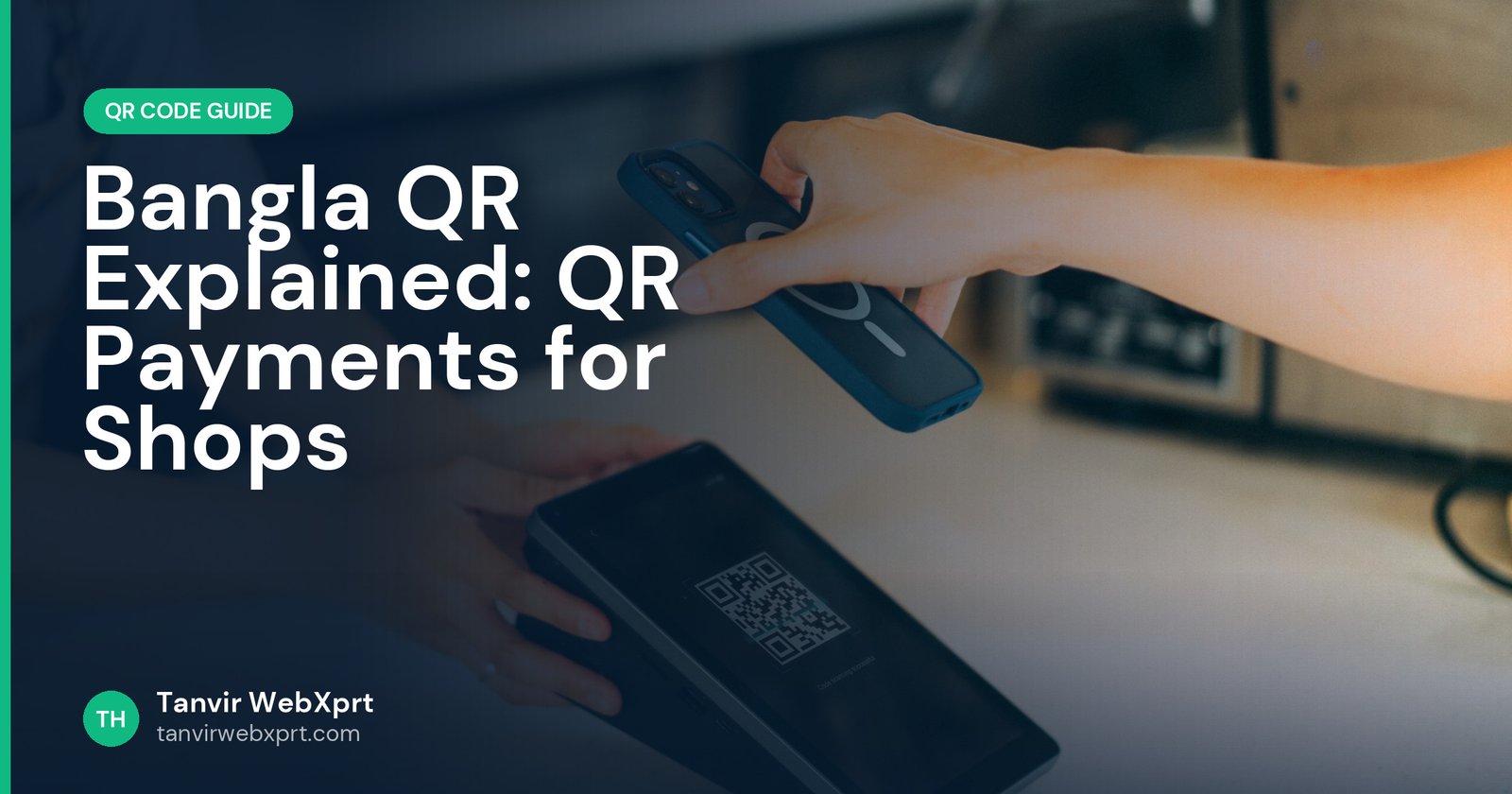
- Use payment QRs issued by your bank or MFS. See Bangla QR explained.
- Use static codes linking to your own domain so customers learn what a genuine link looks like.
Related guides
Learn the difference between static and dynamic QR codes, and shop more safely online with how to shop safely online in Bangladesh.
Sources
Frequently asked questions
What is quishing?
Quishing is phishing using QR codes. Scanning the code opens a fake website, payment request or malicious download.
How can I tell if a QR code is safe?
Read the link preview before opening it, check the domain carefully, and avoid entering passwords or payment details on pages opened from unexpected QR codes.
Can a QR code hack my phone?
Scanning alone rarely does harm, but the link can lead to phishing pages or harmful downloads. Do not install apps or enter details from unknown QR links.
How do businesses prevent fake QR stickers?
Check codes daily, protect them behind clear covers, show the expected domain or merchant name next to the code and use provider-issued payment QRs.
What should I do if I paid through a fake QR code?
Contact your bank or MFS provider immediately, report the transaction and inform the shop.
Create QR codes that never expire, in your own colours, and download them as PNG.
Guides for this tool
 Guide · 3 min readHow to Create a QR Code for Free (and Make Sure It Always Scans)
 Guide · 3 min readQR Codes for Business: 15 Smart Ways to Use Them
 Guide · 3 min readStatic vs Dynamic QR Codes: Which One Should You Use?
 Guide · 3 min readHow to Make a Wi-Fi QR Code (Guests Join Without Typing the Password)
Want a tool, website or app like this for your business?
Every free tool on this site is designed and coded by Tanvir H, a Bangladesh-based WordPress and Elementor web designer with 7+ years of experience and 650+ projects for clients worldwide. Fast, mobile-first, search-optimised websites that turn visitors into customers.
- 650+ projects
- 7+ years
- 4.9★ rating
- Govt. registered freelancer