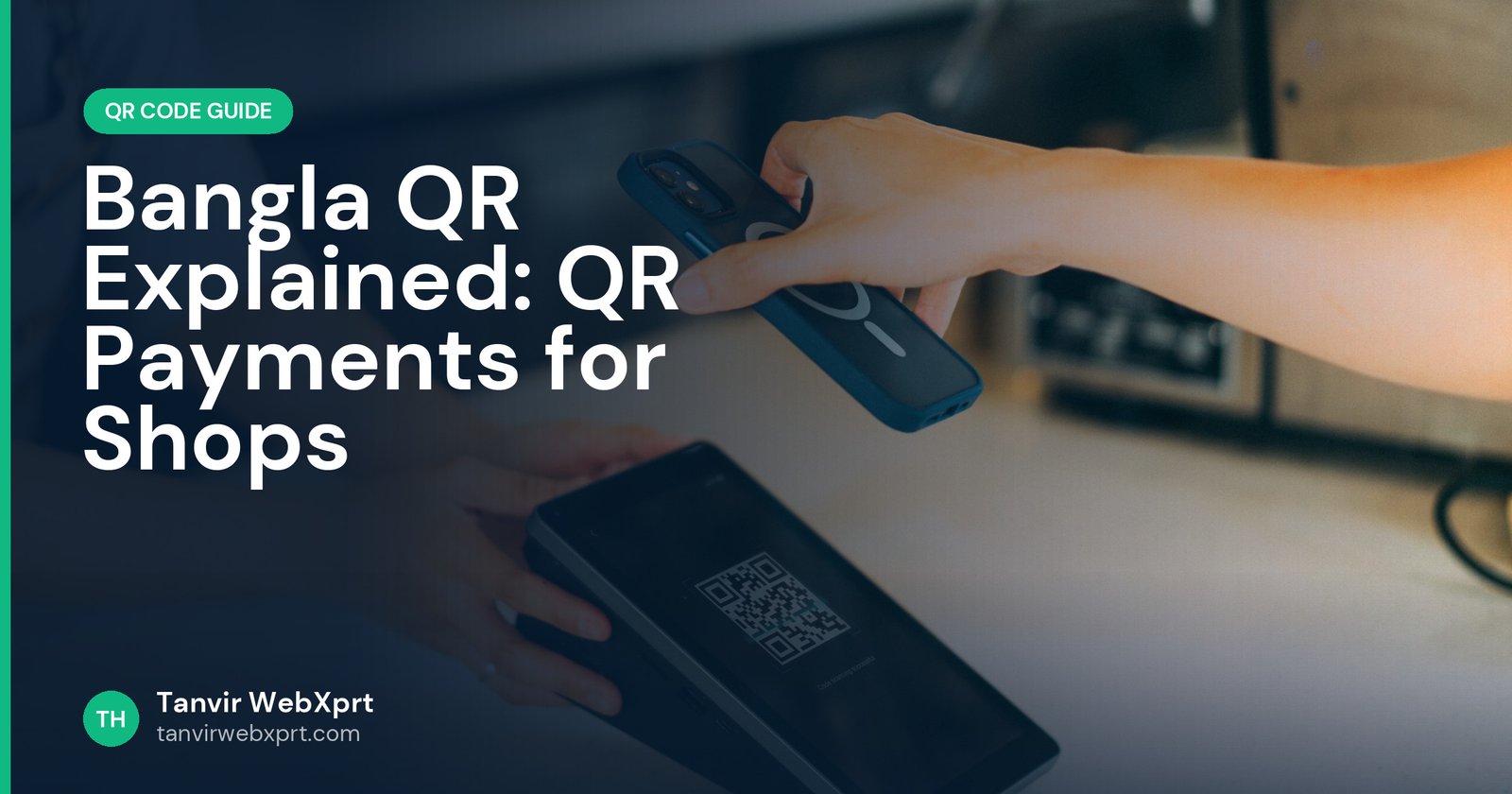
Bangla QR is Bangladesh’s national interoperable QR code standard for payments, introduced by Bangladesh Bank. One Bangla QR at a shop counter can accept payments from many banks’ apps and mobile financial services (such as bKash, Nagad and Rocket, depending on the provider), so a merchant does not need a different QR sticker for every wallet. To get one, a business applies through its bank or MFS provider; payment QR codes must come from that provider, not from a general-purpose QR generator.
- Bangla QR lets one code accept payments from multiple banks and wallets.
- Get your payment QR from your bank or MFS provider, linked to your merchant account.
- General QR generators are for links, text, menus and Wi-Fi, not for receiving payments.
- Display the QR clearly and check the shop name on the customer’s screen before they pay.
- Create non-payment QR codes free with the QR Code Generator.
Five stickers on one counter
Picture a pharmacy counter in Chattogram a few years ago: a bKash QR sticker, a Nagad sticker, a bank QR, a card machine and a handwritten note with a personal number “for Rocket”. Customers squinted, scanned the wrong one, or just paid cash.
An interoperable standard tidies this up. One Bangla QR, many ways to pay. For small traders, it can mean accepting digital payments without a card machine.
How Bangla QR works
- The merchant gets a QRFrom a participating bank or mobile financial service, linked to their merchant account.
- The customer scansUsing a participating bank or wallet app.
- The app shows the merchant nameThe customer checks it and enters the amount (or the amount is pre-filled for dynamic QR).
- Payment is confirmedBoth sides get a notification. Money settles to the merchant’s account according to the provider’s terms.
Why use it as a merchant
How to get a Bangla QR for your shop
- Choose a providerYour bank or an MFS you already use for business.
- Apply for a merchant accountUsually with NID, trade licence or other business documents, and a bank or wallet account.
- Receive your QRAs a printed standee or sticker, or a digital file from the provider.
- Display it wellAt eye level near the counter, protected from sun and scratches.
- Train staffAlways check the payment confirmation before handing over goods.
Safety for shops and customers
- Shops: check your QR regularly; scammers sometimes stick their own code over a real one.
- Customers: confirm the merchant name in your app before you pay.
- Never share PINs or OTPs with anyone, including people claiming to be from the provider.
Read more in QR code scams and how to stay safe.
QR codes beyond payments
Use free static QR codes for your Facebook page, Google review link, menu, catalogue or Wi-Fi. Make them with the QR Code Generator, and see 15 smart ways to use QR codes in business.
Sources
- The Financial Express: One country, one QR, transactions with Bangla QR
- The Daily Star: Bangla QR, incentivising merchants for a cashless Bangladesh
Frequently asked questions
What is Bangla QR?
Bangla QR is Bangladesh’s national interoperable QR payment standard, introduced by Bangladesh Bank, so one merchant QR can accept payments from many banks and wallets.
How can a shop get a Bangla QR?
Apply for a merchant account with a participating bank or mobile financial service. They issue the QR linked to your account.
Can I make a payment QR with a free QR generator?
No. Payment QR codes must be issued by your bank or MFS provider. Free generators are for links, text, menus and Wi-Fi.
Is it safe to pay by scanning a QR code?
Generally yes with official apps. Always check the merchant name before paying and never share your PIN or OTP.
Are there charges for Bangla QR payments?
Merchant charges and settlement terms depend on the provider and current rules. Ask your bank or MFS for details.
Create QR codes that never expire, in your own colours, and download them as PNG.
Guides for this tool
 Guide · 3 min readHow to Create a QR Code for Free (and Make Sure It Always Scans)
 Guide · 3 min readQR Codes for Business: 15 Smart Ways to Use Them
 Guide · 3 min readStatic vs Dynamic QR Codes: Which One Should You Use?
 Guide · 3 min readHow to Make a Wi-Fi QR Code (Guests Join Without Typing the Password)
Want a tool, website or app like this for your business?
Every free tool on this site is designed and coded by Tanvir H, a Bangladesh-based WordPress and Elementor web designer with 7+ years of experience and 650+ projects for clients worldwide. Fast, mobile-first, search-optimised websites that turn visitors into customers.
- 650+ projects
- 7+ years
- 4.9★ rating
- Govt. registered freelancer